Review the product before export
01Compare the source and generated images, then check shape, color, texture, labels, and product facts before publishing.
Bairoom is an AI product image studio for ecommerce sellers. Upload one product photo, choose a selling goal, and get a coordinated main image, lifestyle scene, detail crop, and product-page module ready to review.

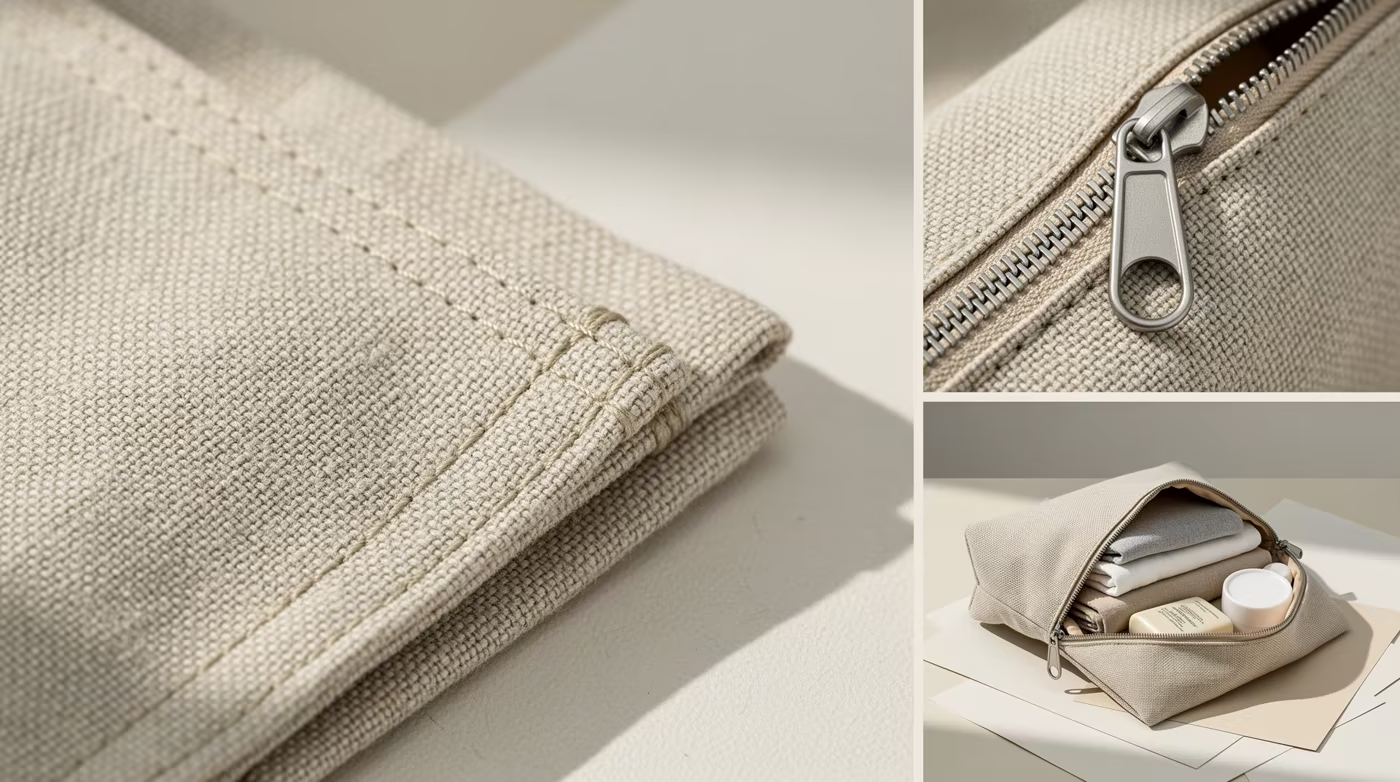
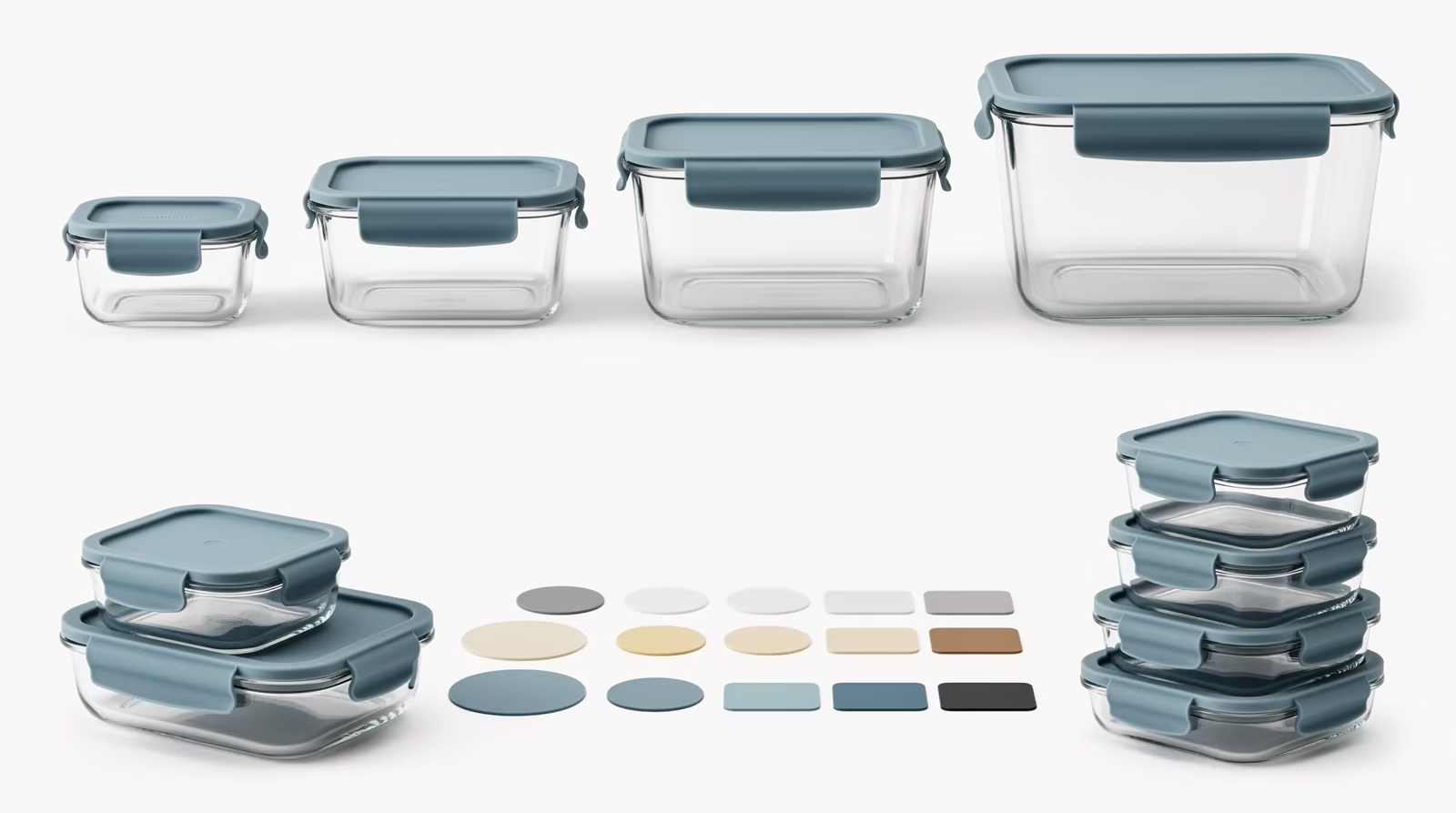
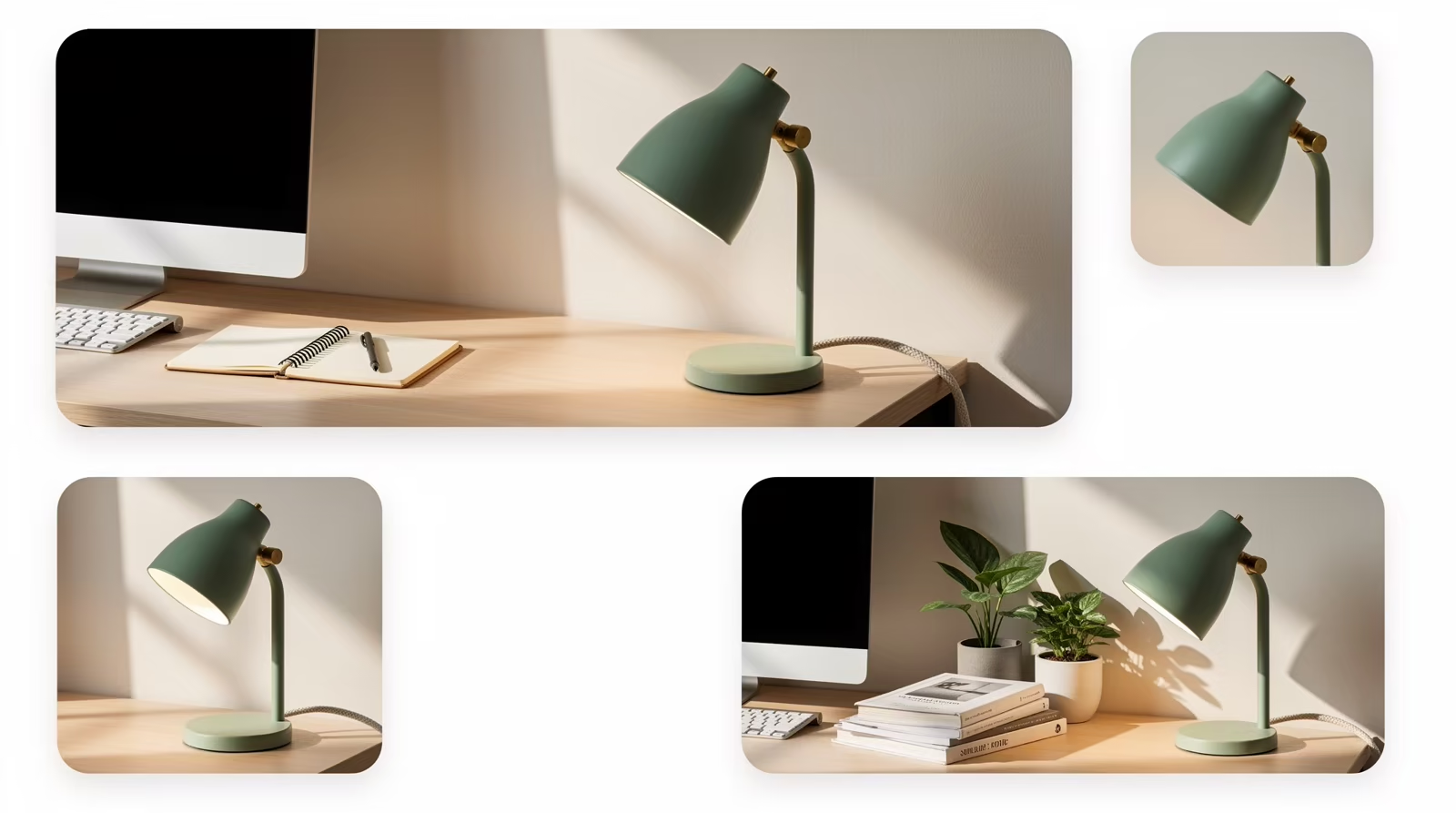
Start from one complete product view, then review a marketplace main image, real-use scene, construction detail, and product-page module without losing the same backpack identity.
The full silhouette, dark-brown leather, twin buckles, front zip pocket, and shoulder structure anchor the set.
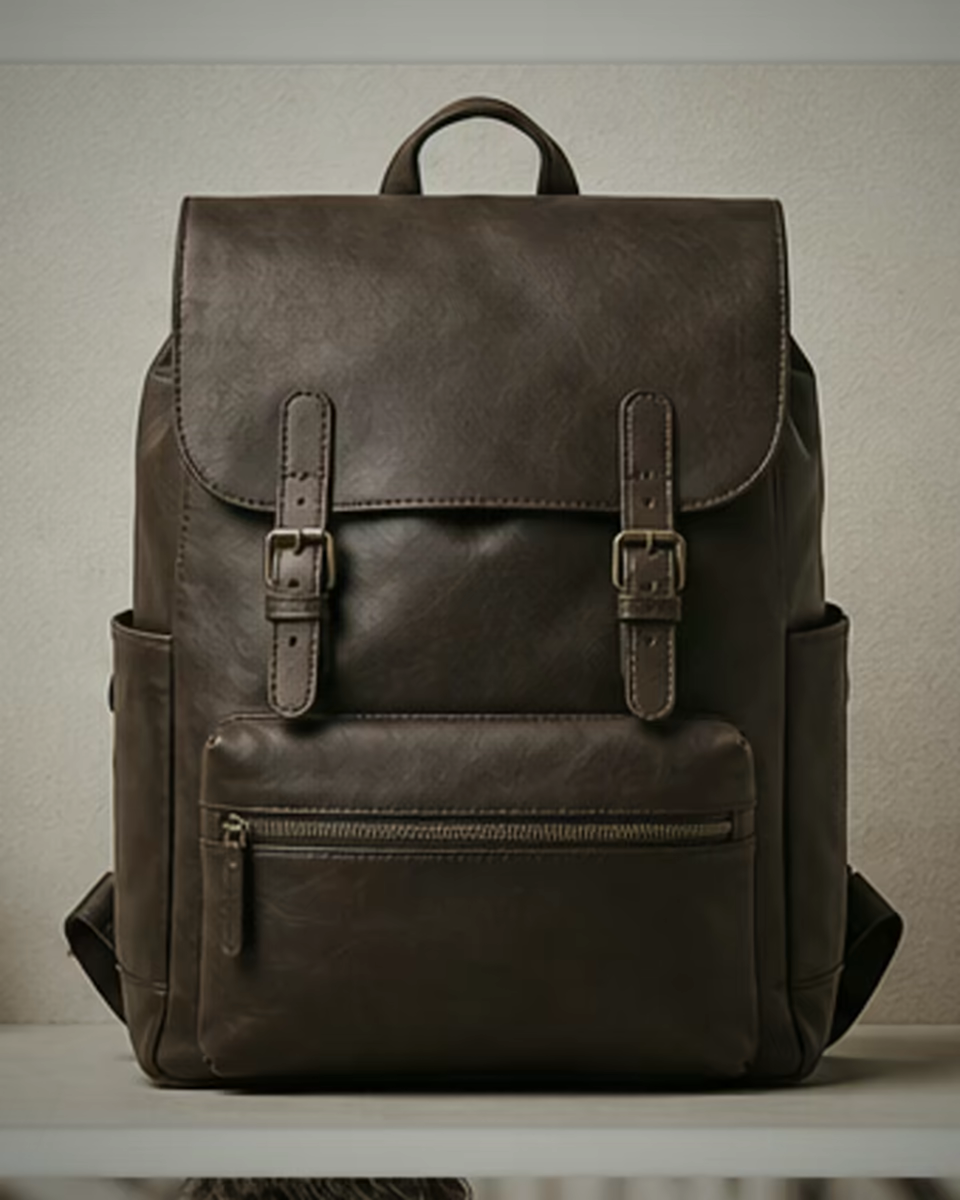
Each image answers a different buying question while returning to the same product reference.
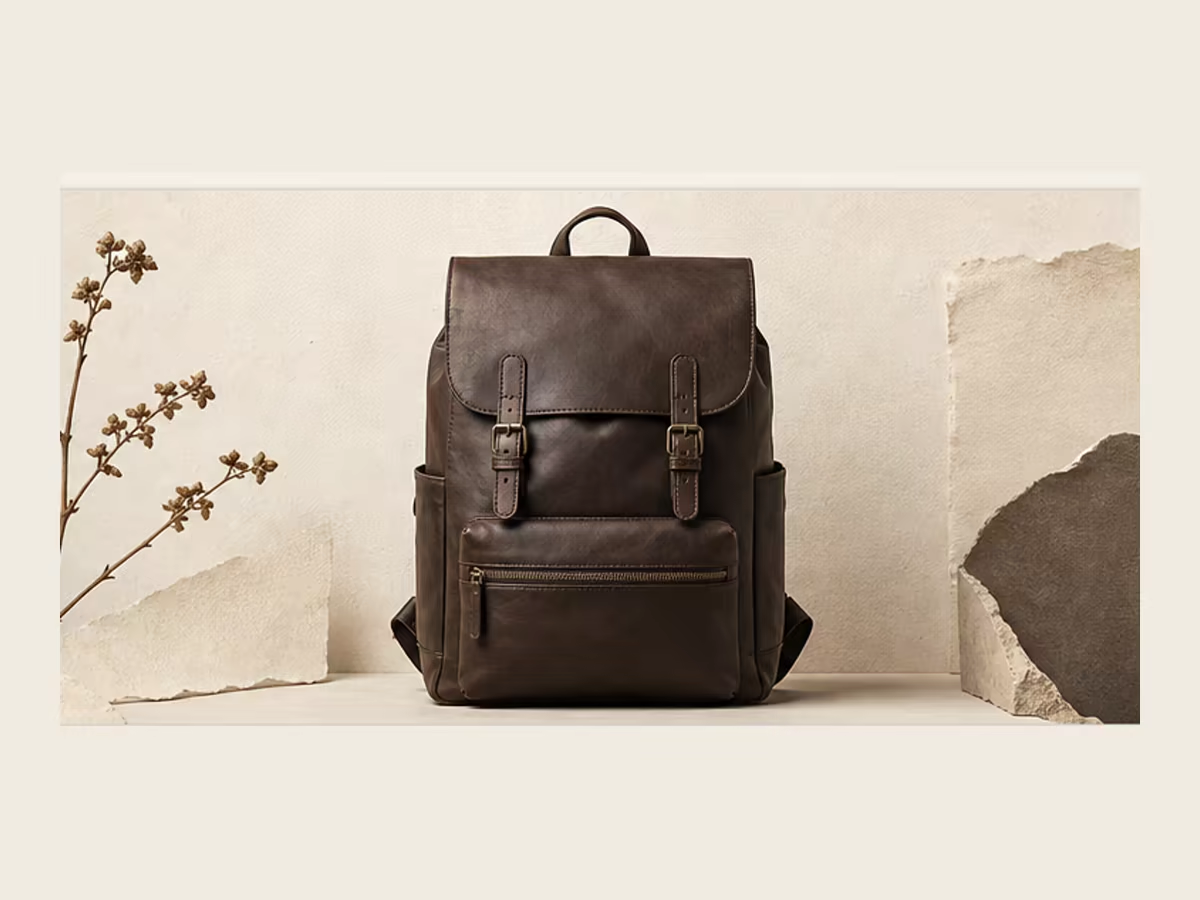 Marketplace main image
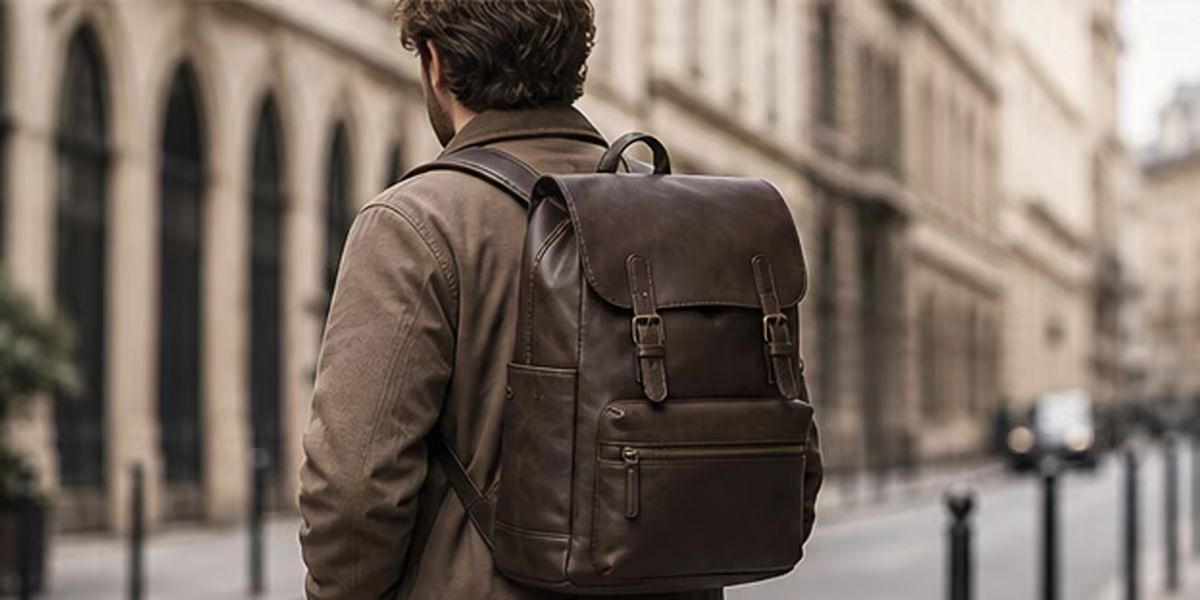 City use scene
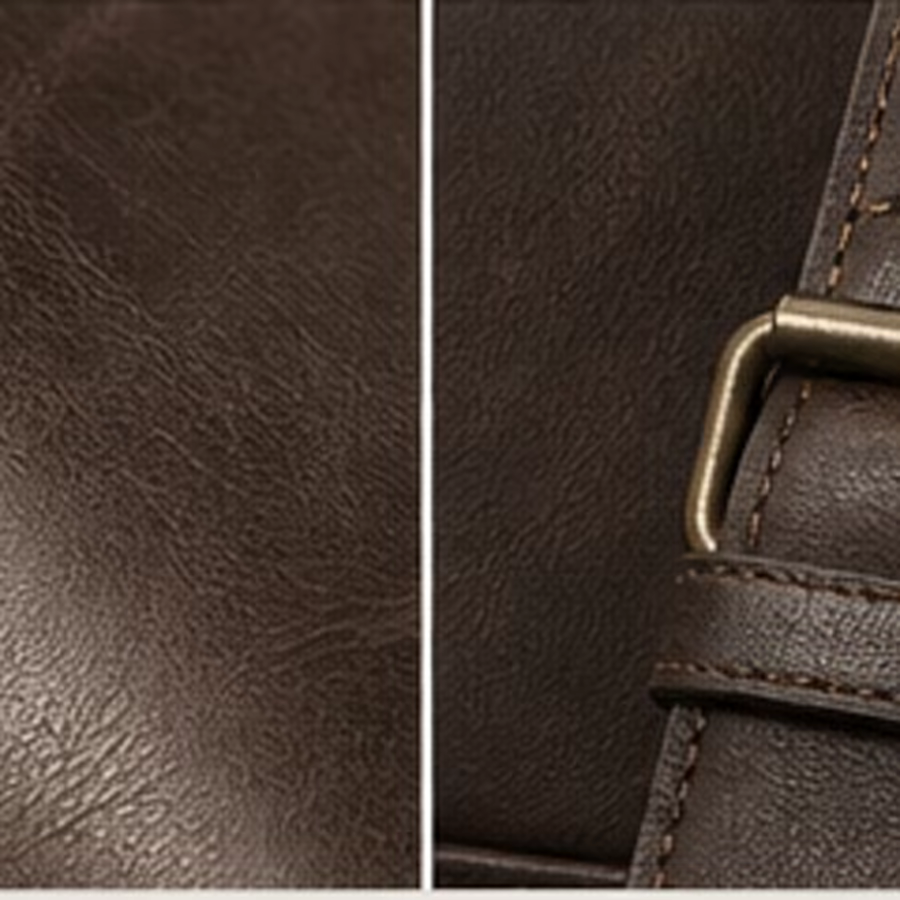 Leather and buckle detail
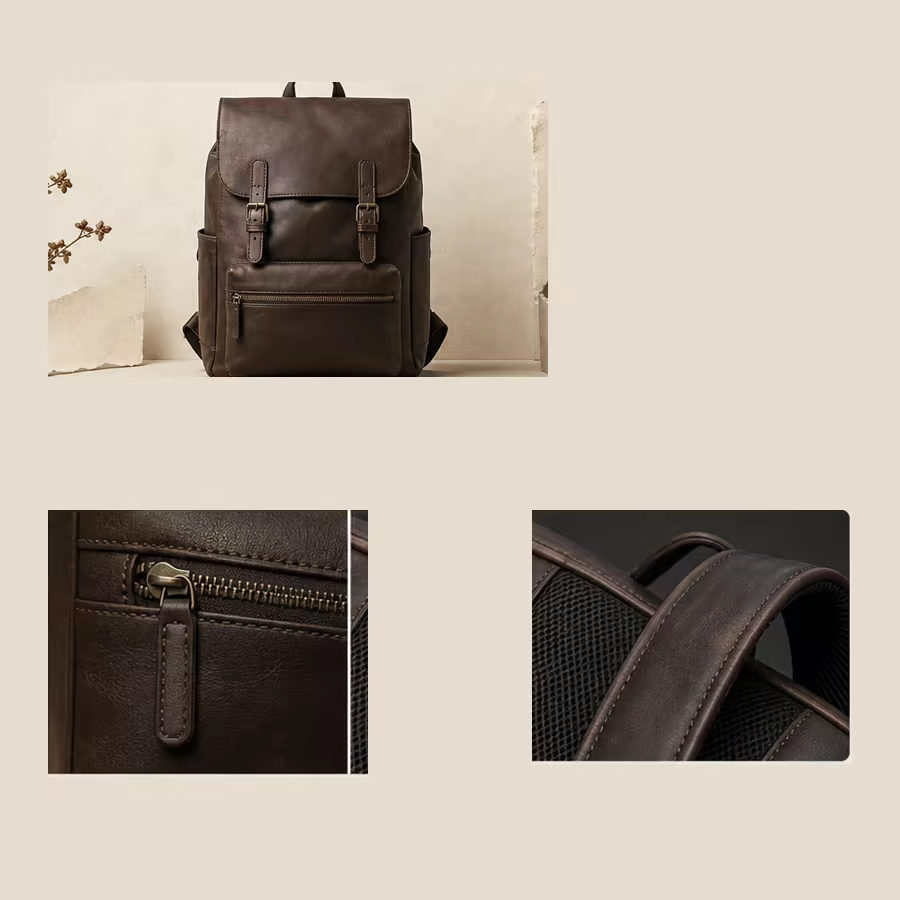 Product-page detail module
Create one workflow per SKU. Confirm the product baseline, generate four distinct selling images, then review and export the complete set from the same workflow.
1 SKU × 4 listing images
 White-background baseline
 Marketplace main
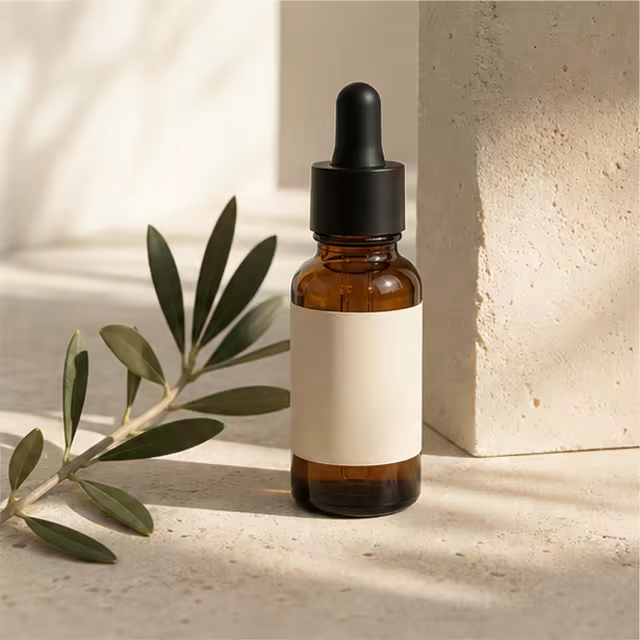 Lifestyle scene
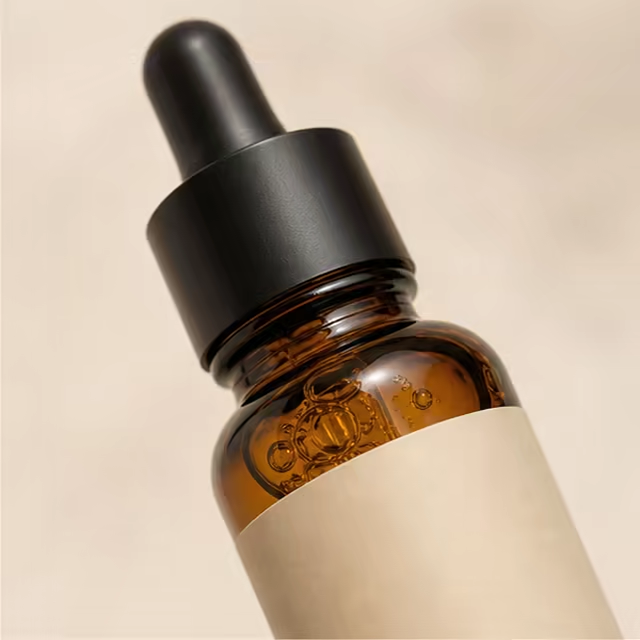 Selling detail
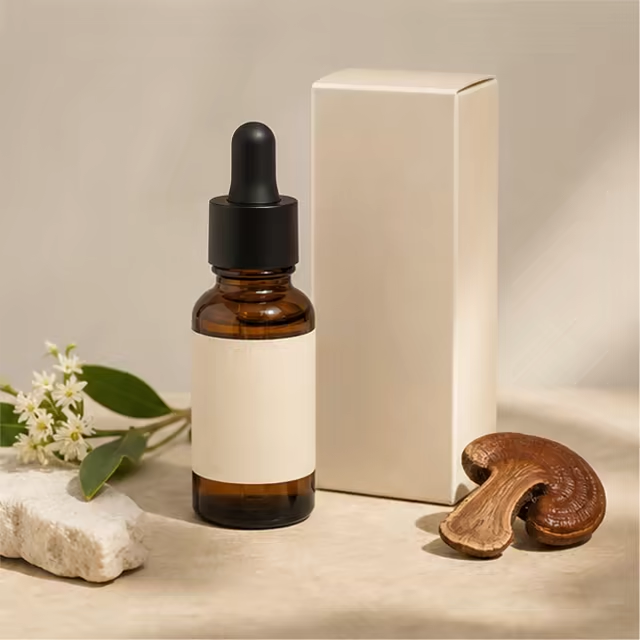 Product-page module
Each workflow handles one SKU. Create a separate workflow for every additional product.
Choose a proven starting point, then keep the source, approved baseline, generated set, reviews, and exports in one workflow.
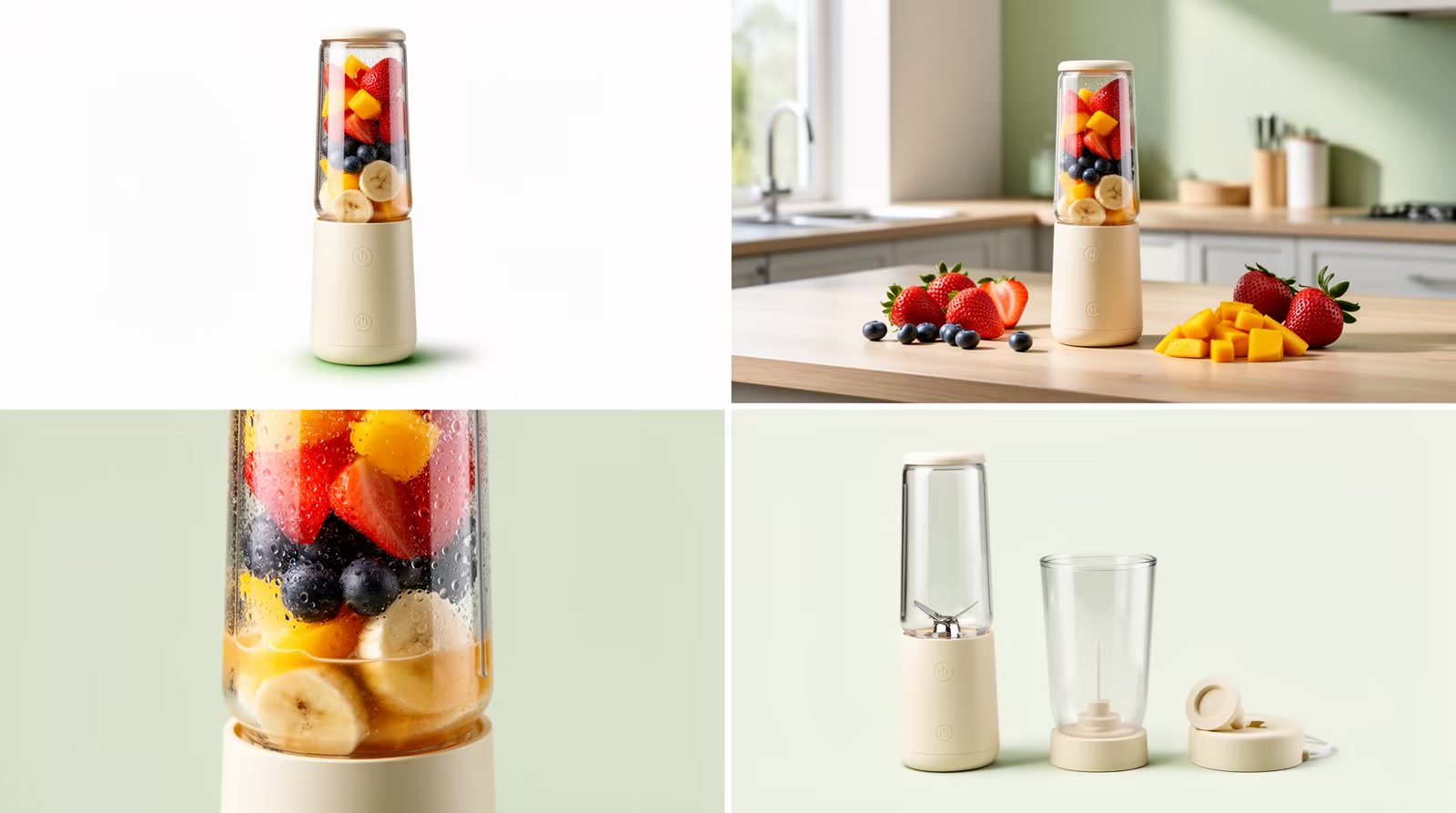
Plan a balanced launch set covering a clean main image, visible benefits, usage context, scale, and comparison.
View this template
Create phone-first product visuals for demonstration, hands-on use, lifestyle energy, and fast recognition.
View this template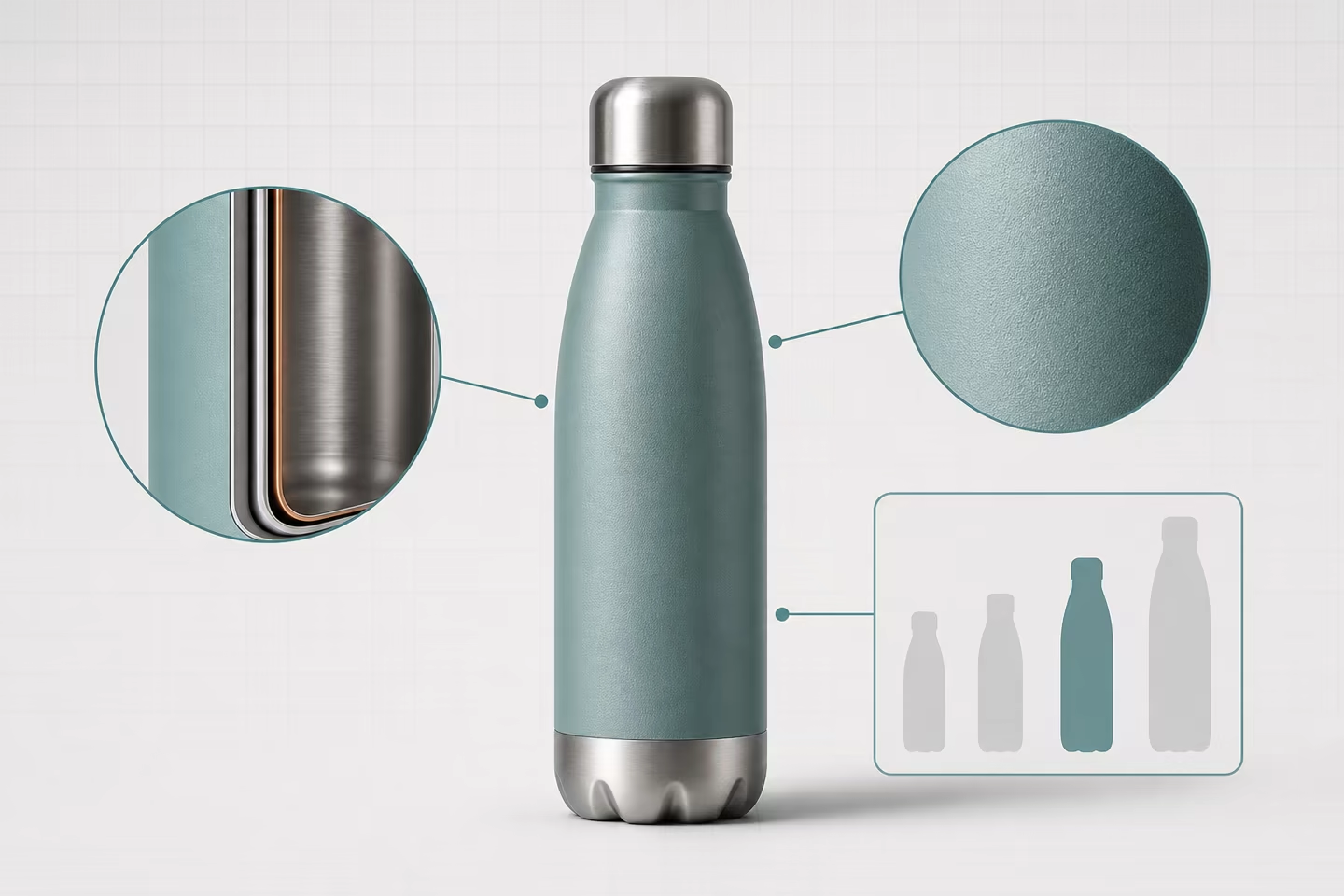
Explain visible details, scale, usage, and structured product differences in a coordinated set.
View this templateBairoom keeps the practical parts of ecommerce image work visible: what the product should look like, which formats you need, what changed, and what is ready to download.
Compare the source and generated images, then check shape, color, texture, labels, and product facts before publishing.
Choose a platform and template to plan suitable square, portrait, vertical, landscape, or product-page outputs.
Task history, prior generations, original-size downloads, and ZIP batch exports stay organized by workflow.
Commercial use depends on your source rights, the selected AI service, and current marketplace rules. The FAQ explains the conditions without hiding them.
A Default model image uses 4 credits, so a four-image set uses 16. After email verification, new accounts can make 2 Default sets before choosing a plan.
For validating the first product image workflow.
For weekly launches and steady product image production.
For multi-category shops with live commerce and social content needs.
The important constraints should be clear before the first generation, not discovered after checkout.
Generated output can be used commercially when your source material and the applicable AI provider terms allow it. Review each marketplace's current content rules before publishing.
Yes. Upload at least one clean white-background or real product photo. Bairoom uses it as the subject reference for the generated set.
Default uses 4 credits per image, Banana uses 5, and GPT Image 2 uses 8. After email verification, the first platform-funded Default generation activates 40 trial credits. Trial credits work only with Default; Banana and GPT Image 2 require paid credits.
Bairoom includes useful aspect-ratio presets for Amazon, Shopify, TikTok Shop, Etsy, Shopee, and more. Always verify the marketplace's latest image rules before publishing.
Bairoom does not support uploading multiple SKUs and splitting them automatically yet. Create a separate workflow for each SKU; each workflow keeps its own inputs, generations, reviews, and exports.
Start with free credits, choose one selling goal, and keep the source, outputs, review, and export in the same workflow.